
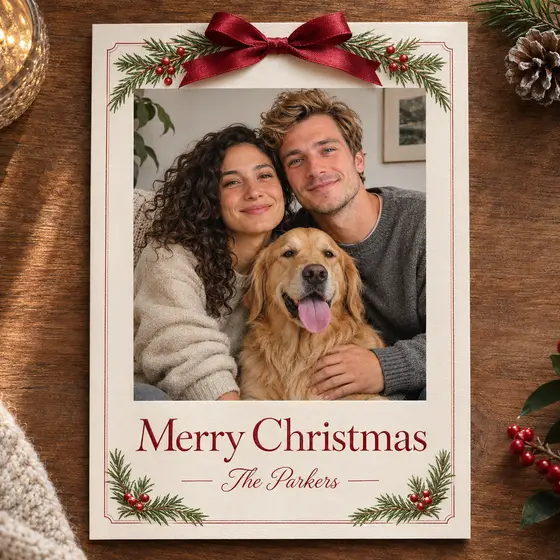
 AI generated
Classic card
A photo card with a greeting and names. · Photos needed: 1-4
Try this sceneMake a personal Christmas card from your own photos, with your greeting and names.
Upload your photoUpload one photo for each person in the card, type your greeting and family name, and choose a classic or a minimal design. The studio writes your text into the prompt so the card comes out with your words.
AI generatedA photo card with a greeting and names. · Photos needed: 1-4
Try this scene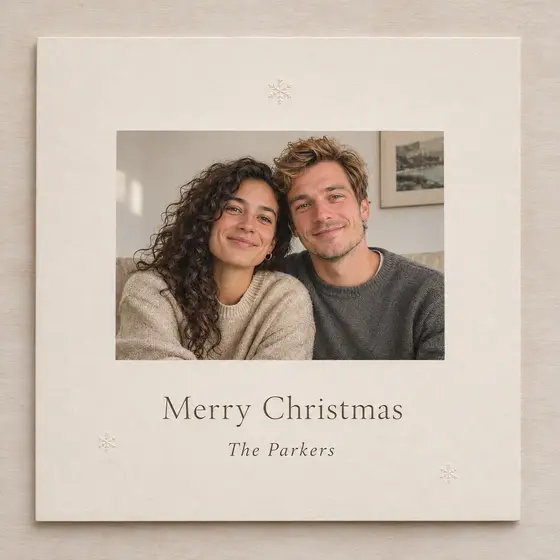 AI generated
A snowy card with generous whitespace. · Photos needed: 1-4
Try this sceneShort greetings such as Merry Christmas, Happy Holidays or Season's Greetings render most reliably. Use your family name or first names in the Names field, and check the spelling on the result before you print it.
The classic card puts your photo with pine branches and a red ribbon. The minimal card leaves plenty of cream space with a smaller photo and a quiet serif greeting - good if you want to print on matte paper.
Choose 2K or 4K output for print. A common size is a 5 by 7 inch card; leave a little margin when you crop so the text is not cut off.
Example made from a fictional portrait. Results vary with your photo.
Yes. Add one photo per person, up to four photos. Pets can be included as one of the photos.
Short greetings in Latin letters usually come out right, but AI can still misspell. Check the result, and run it again if a letter is off.
You can try, but non-Latin text is less reliable. For important cards, keep the greeting in Latin letters.
No. You download the image and print it yourself or send it digitally.
Pick the scene, upload one photo and generate in your browser.
Upload your photo