
 AI generated
Festive avatar
A clean square holiday profile image. · Photos needed: 1
Try this sceneCreate a festive avatar, or add a Santa hat to your photo.
Upload your photoA profile picture is small, so it needs a clear face and a simple background. The festive avatar scene frames you head and shoulders on a soft pine background; the Santa hat scene keeps your photo and adds the hat.
AI generatedA clean square holiday profile image. · Photos needed: 1
Try this scene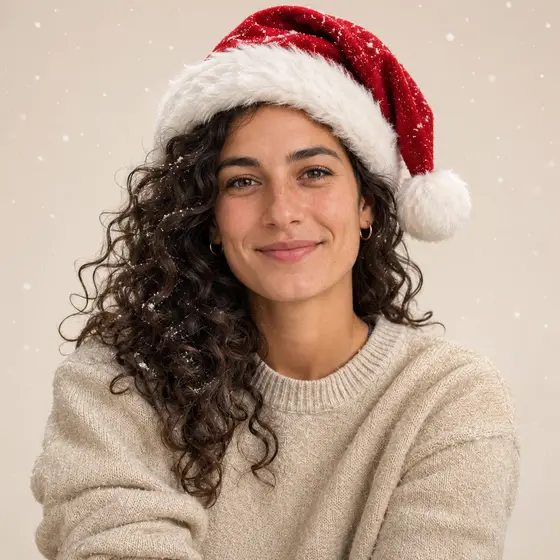 AI generated
A simple festive portrait with a red hat. · Photos needed: 1
Try this scenePick the Santa hat scene and upload a photo where your whole head is in the frame. The prompt keeps your face fully visible and adds a classic red hat with a little snow.
Use a recent, well-lit photo facing the camera. The square 1:1 result works for most social profiles and work chat tools.
Keep your usual profile picture saved. A seasonal avatar works best for a few weeks around the holidays.
Example made from a fictional portrait. Results vary with your photo.
The avatar scenes are square. Choose 1K for profile use; that is plenty for most platforms.
The Santa hat scene is made for one person. For groups, use a family or couple scene instead.
It is AI generation from your photo rather than an overlay filter, so the hat, light and background are drawn into the image.
Yes. Use the pet scene with a clear photo of your pet's face.
Pick the scene, upload one photo and generate in your browser.
Upload your photo